
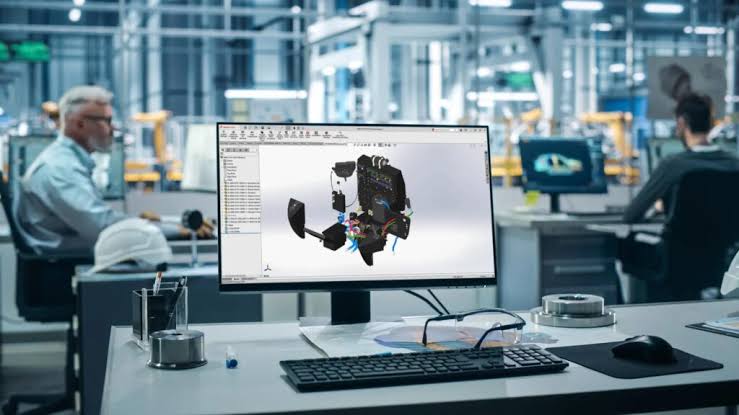
Understanding SOLIDWORKS pricing is not always as simple as checking a single price list. The final cost can vary depending on the software package, licensing model, number of users, and additional services your business requires.
If you are planning to buy SOLIDWORKS, knowing what affects the price can help you choose a package that delivers the right capabilities without paying for features you do not need.
The SOLIDWORKS Edition You Choose
One of the biggest factors affecting cost is the edition of SOLIDWORKS you select. Different packages provide different levels of functionality, ranging from essential 3D design tools to more advanced capabilities for simulation, productivity, and design validation.
A company producing relatively straightforward mechanical designs may not require the same package as an engineering team working with complex assemblies or advanced analysis.
Your Licensing Model
The way your business licenses the software can also influence the overall investment. Depending on your requirements, different licensing arrangements may be available for individual users, teams, or organisations that need greater flexibility.
Before you buy SOLIDWORKS, consider how many people genuinely need access and how frequently they will use the software. Choosing an appropriate licensing setup can help prevent unnecessary spending.
Additional Software and Features
Some businesses need more than core 3D CAD functionality. Requirements may include simulation, electrical design, product data management, rendering, or other specialised tools.
Adding these capabilities can increase the overall cost, but they may also reduce the need for separate software platforms and improve productivity across the design process.
Training and Technical Support
The purchase price is only one part of the investment. Training, implementation assistance, and ongoing technical support can also affect the total cost of ownership.
These services can be valuable, especially for companies introducing SOLIDWORKS for the first time. Proper training helps users become productive faster and reduces avoidable design or workflow problems.
Focus on Value, Not Just Price
When comparing SOLIDWORKS pricing, the lowest-cost option is not automatically the best choice. Consider your current projects, future requirements, team size, and expected usage.
A knowledgeable SOLIDWORKS reseller can help assess these factors and recommend a suitable package. Taking this approach before you buy SOLIDWORKS can lead to a more practical investment and better long-term value for your business.

